A teleprompter on your phone – listing videos, social clips and intros the same day
Short answer: You can use a teleprompter on your phone straight in the browser: open the script from a link, place the phone next to the camera and control the pace with a second phone. A narrow text area, a sensible speed and coloured word classes make the video natural without extra equipment.
What do you need?
- A phone or tablet where the prompter opens in the browser.
- A camera – even another phone – as close to the text as possible.
- Optionally a third device as the remote.
How should the text be laid out on a phone?
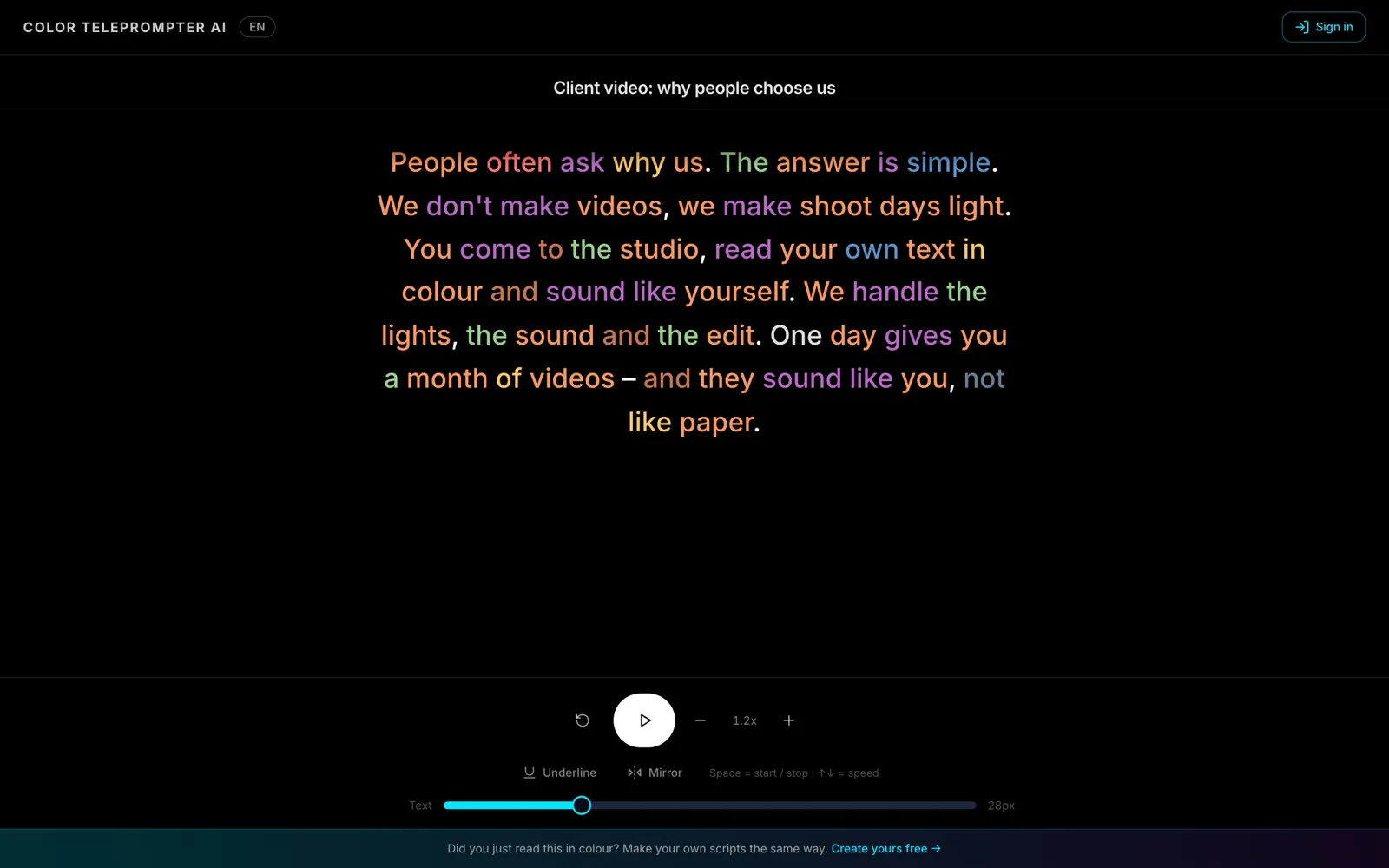
Keep the text area narrow and the font large enough that your gaze stays near the lens. With word classes in colour you can read naturally even from a small screen.
How do I make a listing video in one take?
- Use the library's listing-video template and fill in the property details.
- Read the text aloud once before filming.
- Start at a calm speed and let the colours show the emphasis.
- Film one room at a time – one paragraph per room.
For real estate offices: a listing video the same day.
Frequently asked
Do I need an app?
No. The prompter works in the phone's browser.
Can a second phone control it?
Yes. Remote control works from a phone browser: start, stop and adjust speed.