Using the prompter
A teleprompter for video calls: a floating window nobody else sees
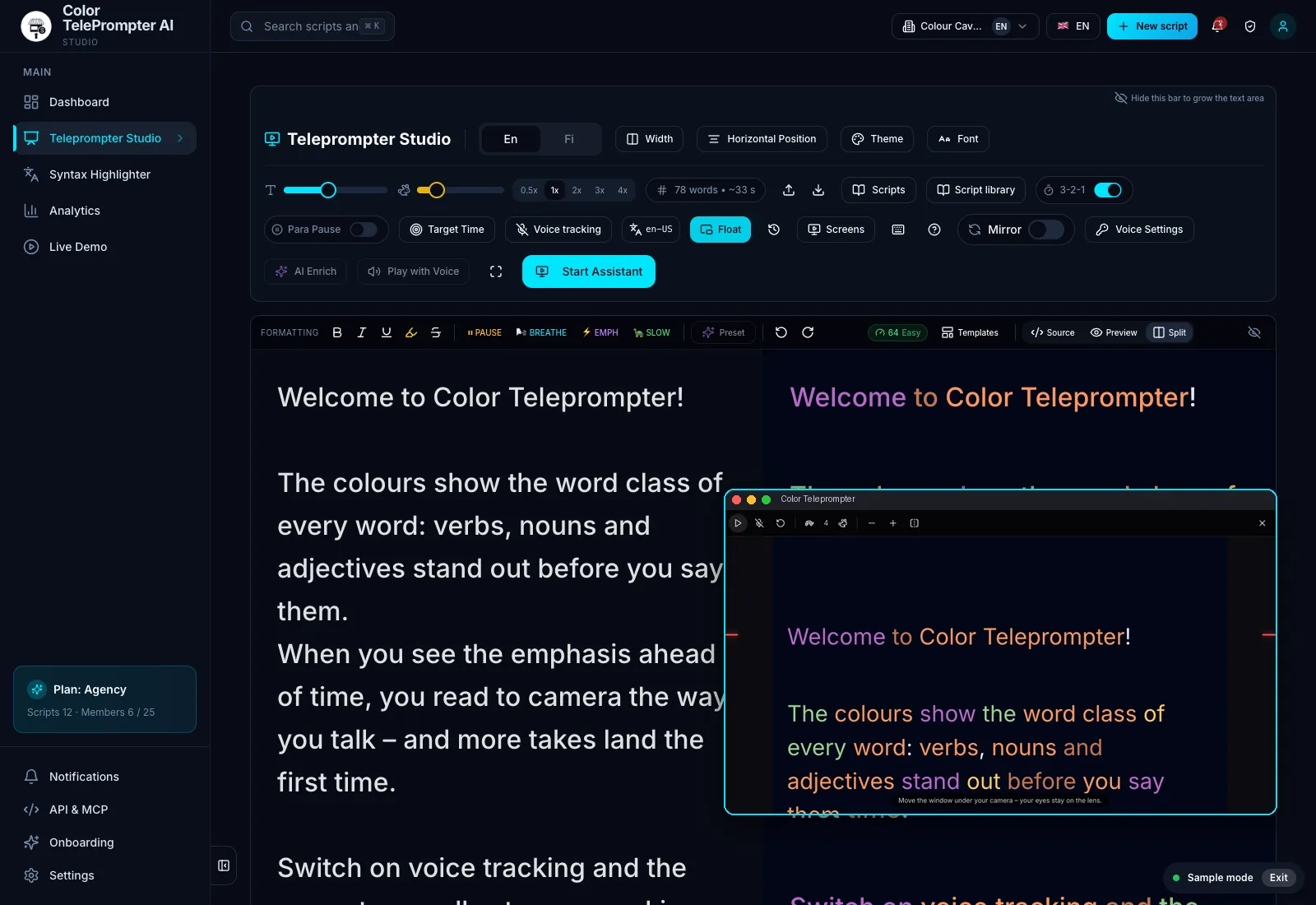
Short answer: The floating prompter opens your script in its own small window that stays on top of everything – including your video call. Move it right under your camera so your eyes stay near the lens. Share a single window or tab rather than your whole screen and the prompter stays out of the share. Voice tracking works in the floating window too.
Why do people notice you reading on a call?
When you read from another window, your eyes drift sideways and down. People notice straight away, even if they can't see what you're reading. The further the text is from the camera, the more obvious it is.
How does the floating prompter work?
- Open your script in the prompter and press Float.
- A small window opens above your other windows. Drag it under your camera and resize it.
- Start scrolling or switch on voice tracking – the text moves with your voice.
- On the call, share a single window or tab, not your whole screen.
Which video call apps does it work with?
The floating window belongs to your browser, not the call app, so it works on top of Zoom, Teams, Google Meet or anything else. It works on desktop in Chrome and Edge.
What do people use it for?
- Opening a sales call and walking through pricing word for word.
- An all-hands update where every word matters.
- Hosting a webinar and the transitions between slides.
- Standard interview questions, so every candidate gets the same question.
Frequently asked
Can other people on the call see my teleprompter?
Not on camera. If you share your screen, share a single window or tab and the floating prompter stays out of the share.
Does the floating teleprompter work on a Mac?
Yes, in Chrome and Edge on a Mac. Safari doesn't support the floating window yet.
Can I use voice control in the floating window?
Yes. Voice tracking works in the floating window: the text scrolls as you speak and waits when you pause.