Teams and agencies
Recording course videos with a teleprompter – sound like a teacher, not a lecture
Short answer: Course videos work on a teleprompter when each lesson is its own 2–6 minute script, the course has its own category in the library and the pace stays the same from video to video. Record your screen and camera right in the browser – a short lesson takes moments to retake.
Why do course videos end up sounding like lectures?
Course material is usually written to be read: long sentences, clauses and terms stacked one after another. Read to camera, it sounds like a lecture. Text written to be spoken is shorter and more direct – and much easier to read naturally.
How should you structure course scripts?
- One lesson, one script. Two to six minutes is a good length – check it in the prompter's Statistics menu.
- A category per course in the library, so lessons stay in order.
- Cue markers in the text: [PAUSE] before an example, [EMPHASIS] on the key term.
- The same speed in every video, so the course keeps one rhythm.
How do I record my screen and camera?
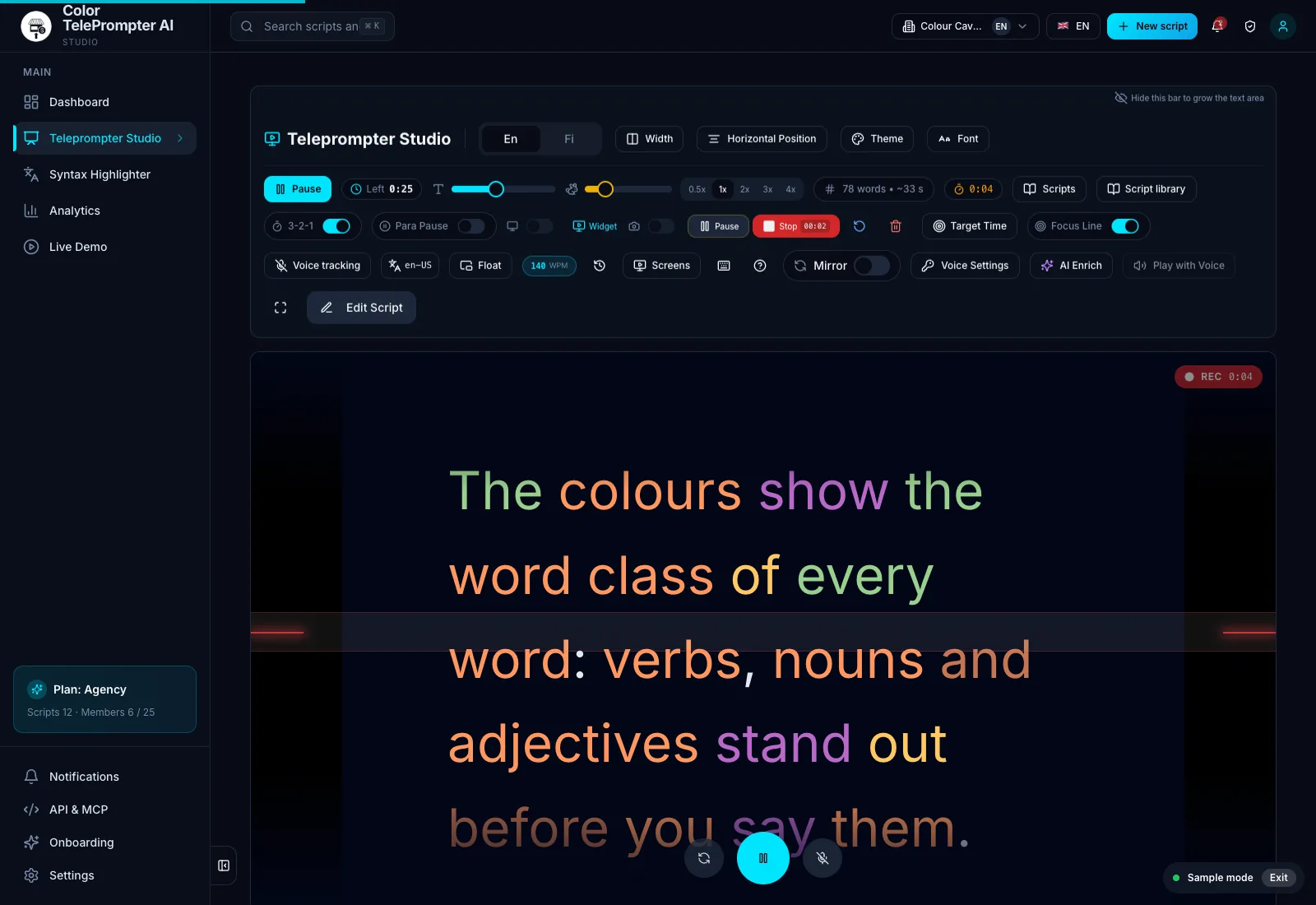
The prompter records audio, camera or your whole screen right in the browser, and the camera bubble can float over your screen. With short lessons a retake is quick: Start over discards a take that went wrong and starts a fresh one with one click.
What about a co-teacher or a guest?
Send them a prompter link. They open the script in colour without an account and can read from their own machine while you record remotely.
Frequently asked
How long should a course video be?
Many courses use lessons of two to six minutes. Short videos are easier to record in one take and easier to watch to the end.
Can I record a course video without separate software?
Yes. The prompter records audio, camera or your whole screen right in the browser.
Can a guest read from the prompter without an account?
Yes. Send them the prompter link – it opens in colour without an account.