Using the prompter
Listen to your script before you film – your ears catch what your eyes miss
Short answer: Listen-through reads your script aloud and scrolls the text at the same time. Your ears catch the long sentences, repeats and tongue-twisters your eyes skip over. It's an add-on: you add your own text-to-speech key and the costs go straight to your provider. If your provider supports your own voice, you hear the script in it.
Why hear your script before filming?
Written text and spoken text are different things. A sentence that looks clear on the page can be too long out loud, or put two similar-sounding words side by side. Hear it before you film and you fix it at the keyboard, not on take ten.
How do you switch it on?
- Open the prompter's Voice Settings and add your own text-to-speech key. The key is checked with the provider before it's saved.
- Open the script in the prompter and press Play with Voice.
- Stop when something sounds clumsy and fix it right in the editor.
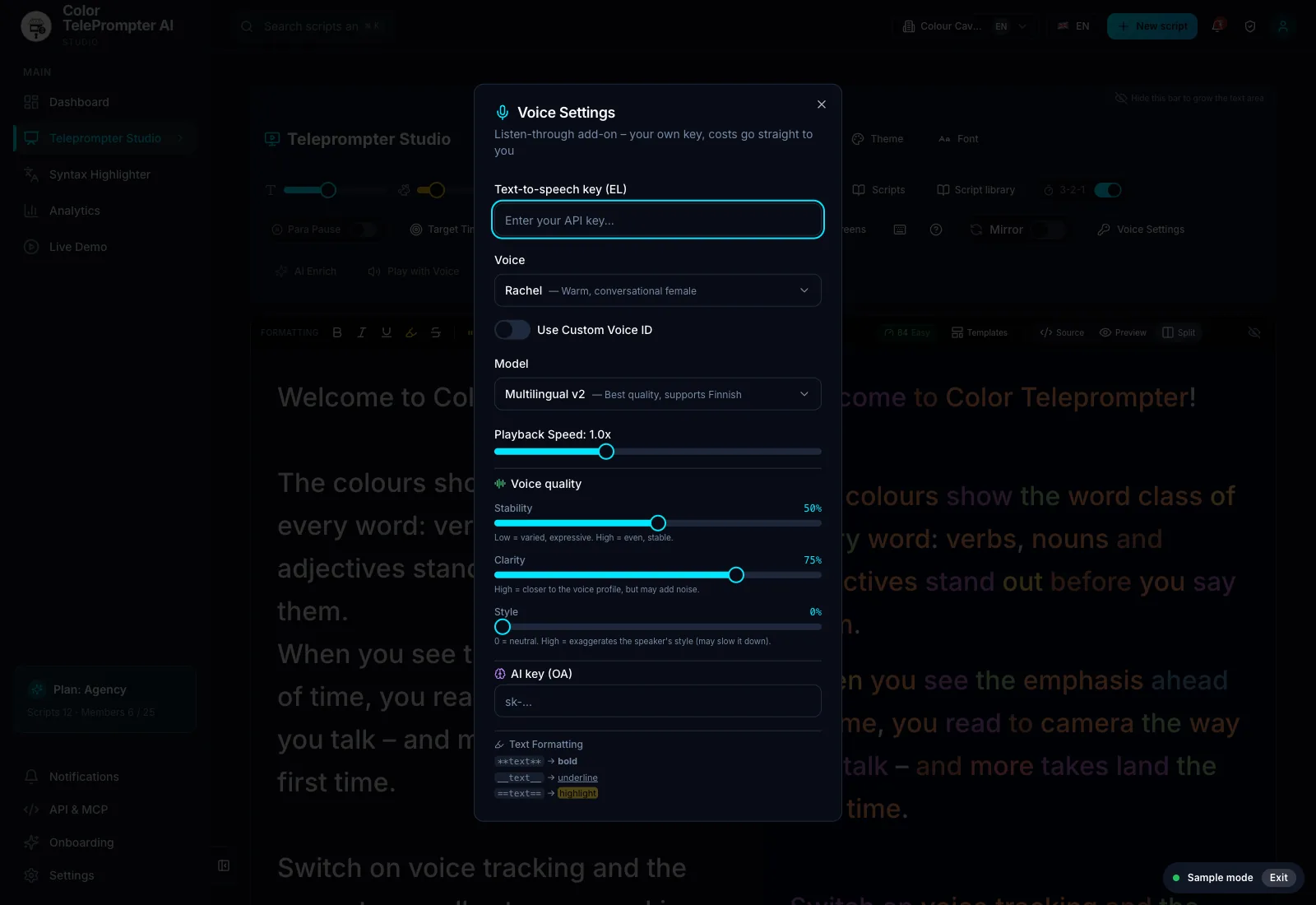
What does it cost?
Listen-through is an add-on that uses your own key. Costs go straight to the provider under your own agreement – we add nothing on top.
What else can you do with the audio?
You can download it as MP3 or WAV. People use it to rehearse – listening once before they film – or as a temporary voice track until their own take is ready.
Frequently asked
Can I hear my script in my own voice?
Yes, if your text-to-speech provider supports your own voice (a voice clone). Add the provider's key in Settings and choose your voice.
Can I download the audio?
Yes, as an MP3 or WAV file.
Is listen-through included in the price?
It's an add-on that uses your own key. You pay the provider directly for what you use.